Import WeChat Pay and Alipay bills
Pick the bill file, check the list, and import what you select.
Logging costs nothing; AI features come with a starter allowance on sign-up (rules), then pay as you go
How it works
Pick the bill file
Pick the unzipped WeChat Pay or Alipay file.
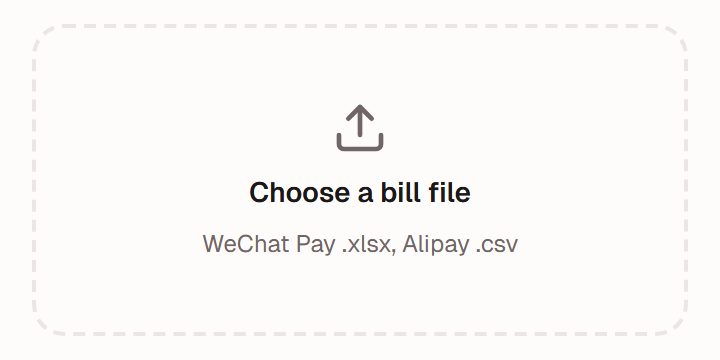
Illustration · fictional data Review and tick
Past imports stay unticked; tick to import.
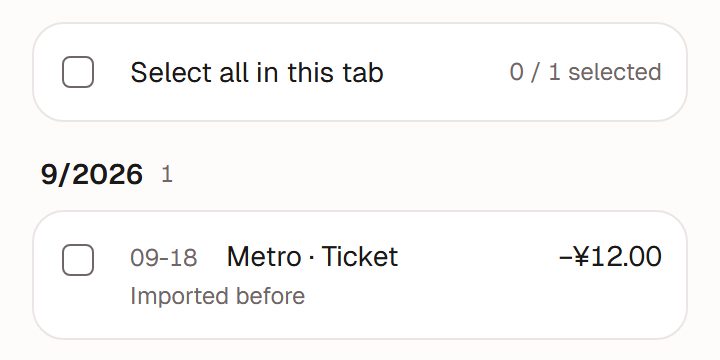
Illustration · fictional data Done
Wrong file? Undo it all within 2 hours.
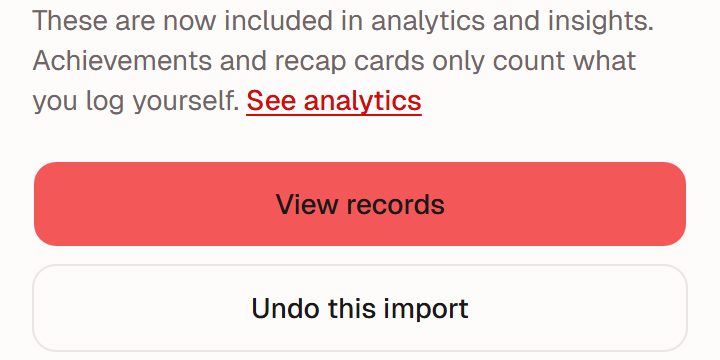
Illustration · fictional data


What works and what does not
Supported
Bills exported from WeChat Pay and Alipay. They arrive as a zip file: unzip it, then choose the .csv or .xlsx inside.
Not yet
Bank statements and exports from other apps. Spreadsheets edited or re-saved in Excel may not be readable; use the original export.
Easiest on a computer
Bills arrive by email as a zip file, so a computer is the most convenient place to unzip and import. It also works on a phone.
Things you can rely on
Your file stays put
It is read on your device; the original file is not uploaded.
Review first, no double counting
Nothing is imported until you tick it; entries you've imported before are marked and left unticked by default.
Undo
You can undo the whole import within 2 hours.
Once it is in
Recorded in RMB
Amounts are recorded in RMB (¥). Importing uses no credits.
Counts in analytics
Imported entries count in analytics and Insight, but not towards badges or logging days.
Exporting a bill
See the FAQ for WeChat Pay and Alipay.
Works well with
AI bookkeeping
Type, hold to talk or snap a receipt; AI drafts it, you confirm. It only does what you ask; it won't guess and create things on its own.Full guide to AI bookkeepingInsight
Once you've logged enough, a look back built only from your own records.Full guide to InsightTime log
Note where your time went and see it by week or month. You can also ask, "how long did I exercise this week?"Full guide to the time log
Ready when you are
Nothing to install. Open it in a browser or in WeChat, sign up, and start in chat.