Time log: where did the time go?
Note down what you spent time on, and look back at where it went.
Logging costs nothing; AI features come with a starter allowance on sign-up (rules), then pay as you go
How it works
Say it, or add it by hand
Say it in chat, or add an entry by hand.
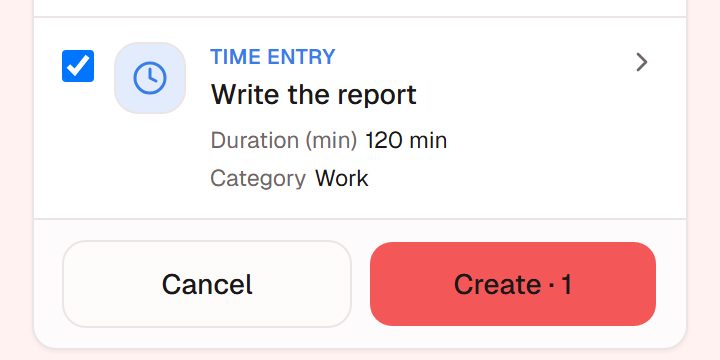
Illustration · fictional data See each entry in the list
Entries listed by day; edit or delete.
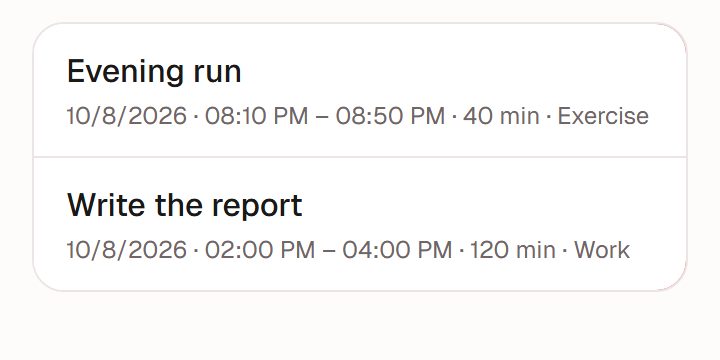
Illustration · fictional data See the mix in Analytics
See the mix by month, quarter or year.
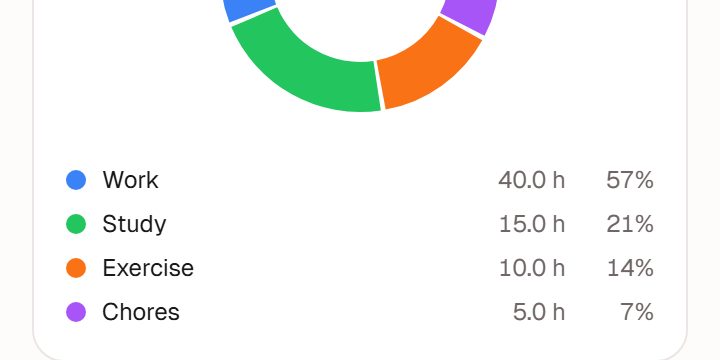
Illustration · fictional data


How to log
In chat
"Ran for 40 minutes this morning", "read for an hour tonight"; confirm and it is saved.
By hand
Pick a category and enter start and end times, or just the duration.
Ask it
"How long did I exercise this week?" It answers from your own records.
What you will see
Sorted by category
Work, study, exercise and more. A standard set is built in, and you can add your own.
By month, quarter or year
Analytics groups your time by category, so you can see what took more and what took less.
Compared with your own past
Once there is enough, Insight compares the recent stretch with your own earlier records.
What it is not
Not a focus timer
No countdowns, no locking your phone.
Not watching your phone
It does not track app usage; it only records what you write down.
Works well with
Habits
Tap once a day, fill in a missed day, look back on a calendar.Full guide to habitsGoals
Write goals for this week, this month, this year and beyond, and attach tasks and habits.Full guide to goalsInsight
Once you've logged enough, a look back built only from your own records.Full guide to Insight
Ready when you are
Nothing to install. Open it in a browser or in WeChat, sign up, and start in chat.