Groups: tasks and goals, shared at home
Create a group and invite people with a code or link.
Logging costs nothing; AI features come with a starter allowance on sign-up (rules), then pay as you go
How it works
Create a group and invite people
Tap "Copy invite" and send it to family.
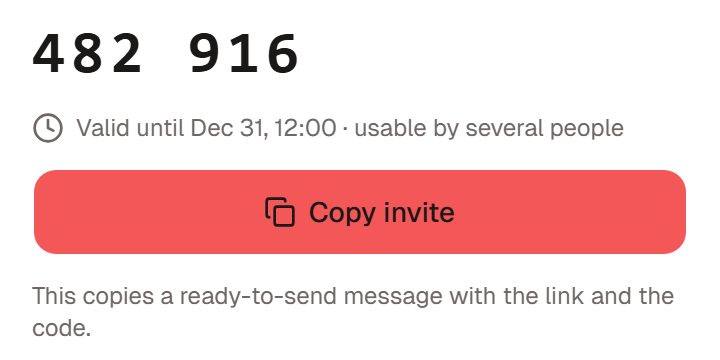
Illustration · fictional data Put tasks in the group
Choose the group under "Belongs to".
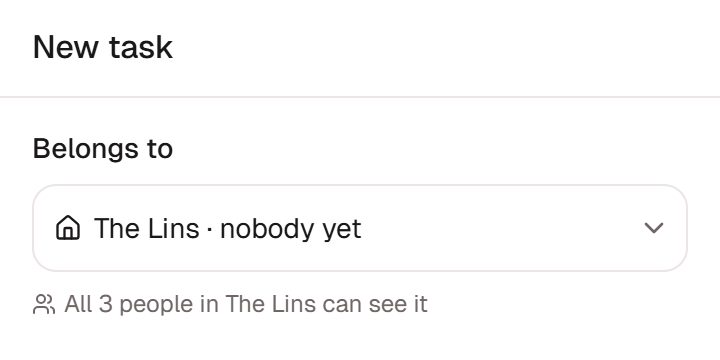
Illustration · fictional data Pick things up, see progress
Tap "I'll do it" to take a task on.
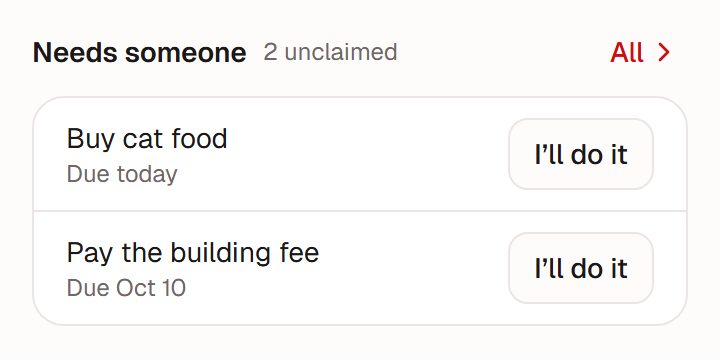
Illustration · fictional data


What you share
Tasks
Assign one to someone, or leave it for whoever has time.
Goals
Things you want to get done together, under "Shared goals".
What isn't shared
Personal records
Family members can't see your personal records. See the full note in the FAQ.
Habits, calendar, time logs and spending
None of these are shared; they stay with you.
Members and invites
Invites
Codes and invite links last 7 days, and the admin can reset them at any time.
Managing
The admin can remove members, or hand over the admin role to a member (who has to accept).
Leaving
Members can leave at any time; the admin can dissolve the group.
Works well with
Goals
Write goals for this week, this month, this year and beyond, and attach tasks and habits.Full guide to goalsHabits
Tap once a day, fill in a missed day, look back on a calendar.Full guide to habitsAI bookkeeping
Type, hold to talk or snap a receipt; AI drafts it, you confirm. It only does what you ask; it won't guess and create things on its own.Full guide to AI bookkeeping
Ready when you are
Nothing to install. Open it in a browser or in WeChat, sign up, and start in chat.