Habits: tap once a day, look back any time
Turn small things you want to keep up into habits, and tap once a day to check in.
Logging costs nothing; AI features come with a starter allowance on sign-up (rules), then pay as you go
How it works
Create a habit
Adapt a starter template; save to create.
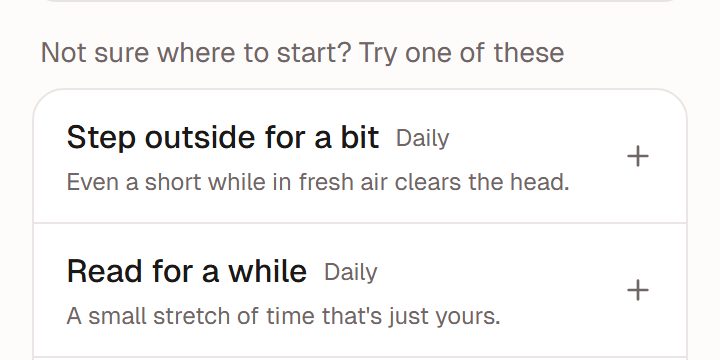
Illustration · fictional data Tap once a day
Tap when done, or just say it in chat.
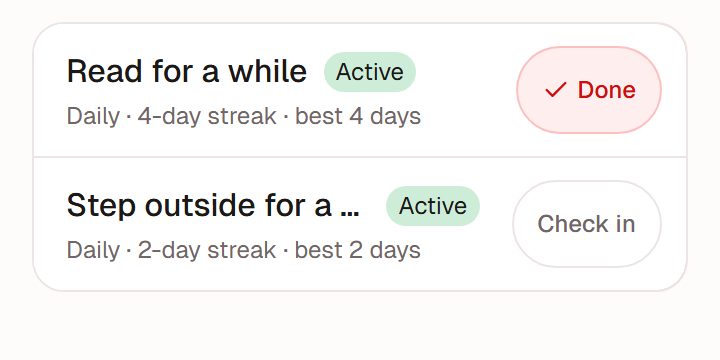
Illustration · fictional data Look back on the calendar
See it on a calendar; fill in missed days.
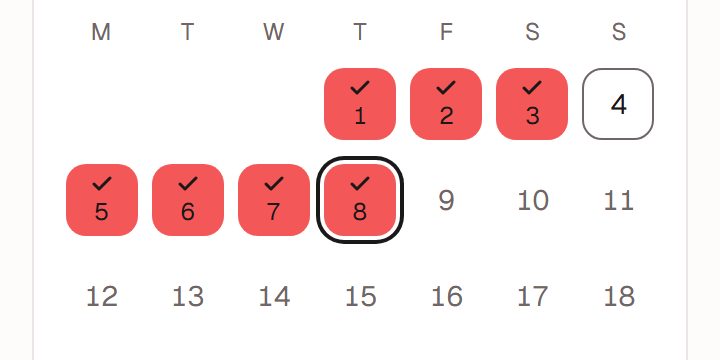
Illustration · fictional data


Three ways to check in
On the Habits page
One row per habit; tap to check in.
On Today
Today's habits and tasks are on one screen, so it is easy to tick as you go.
In chat
"Went for a run today": AI finds the matching habit for you to confirm. Paused habits can't be checked in.
Forgot, or missed a few days?
Fill it in
Did it but forgot to tap? Add it on the calendar.
Undo
Tapped by mistake? Undo that check-in.
Just pick it up again
Missed days are just missed days. Nothing is taken away and your earlier record stays.
What we deliberately don't do
No rankings
No leaderboards, no comparing you with anyone.
Badges are a nod
Badges note what you have done; they are not a score to chase.
Works well with
Goals
Write goals for this week, this month, this year and beyond, and attach tasks and habits.Full guide to goalsTime log
Note where your time went and see it by week or month. You can also ask, "how long did I exercise this week?"Full guide to the time logInsight
Once you've logged enough, a look back built only from your own records.Full guide to Insight
Ready when you are
Nothing to install. Open it in a browser or in WeChat, sign up, and start in chat.